
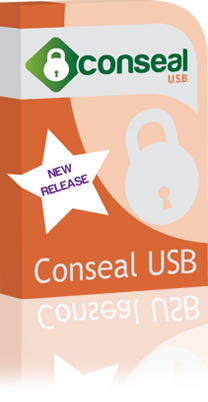
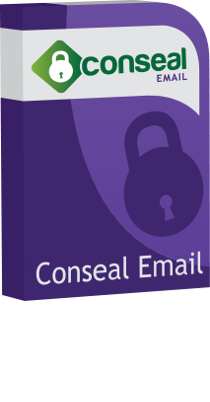
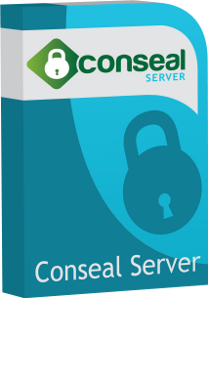
In 2011 we released some genuinely exciting products designed to protect data on the move. In a world where data security largely meant physical security, this largely hadn't been done before. They made a splash in the press and earned a huge number of awards.
Our legacy products aren't available any more for new customers, but we're enormously proud of them and what they achieved.
Conseal USB and Email allowed you to specify access rules for USB memory sticks and emails. You could specify for example that your email could only be opened in the UK, protecting it against mailbox hackers in other countries. You could opt to receive alerts whenever data was accessed.
And, if you knew that it had got into the wrong hands, you could self-destruct the data - permanently preventing any access to it.
Conseal Server allowed enterprises to set up their own security endpoint, so that none of the above relied on the public cloud.

"I'm hard-pushed to think of any other solution that gives the average small business such cost-effective mobile data security, and gives it in such a readily accessible format."
"A completely watertight and easy to use security system" ★★★★★


And much, much more...
These days we use our expertise in security and coding to offer security testing of mobile and web apps. This includes penetration testing (DASM) and code auditing (SASM).
We are based in Hampshire, UK, with clients all over the world. For a free 20 minute consultation, please enter your details here.